
How to connect CommerceHQ to API2Cart?
To add the store built on CommerceHQ , you will need to have the Store URL, commercehq_api_key and commercehq_api_password.
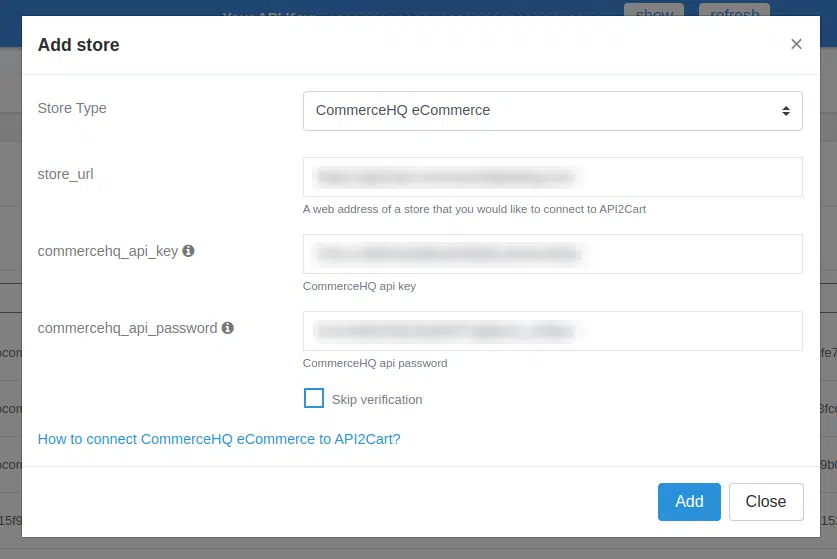
To get commercehq_api_key and commercehq_api_password, you have to create a Private App in CommerceHQ admin panel.
For that go to Dashboard, choose Apps Store in the menu, press the button Add a Private App.
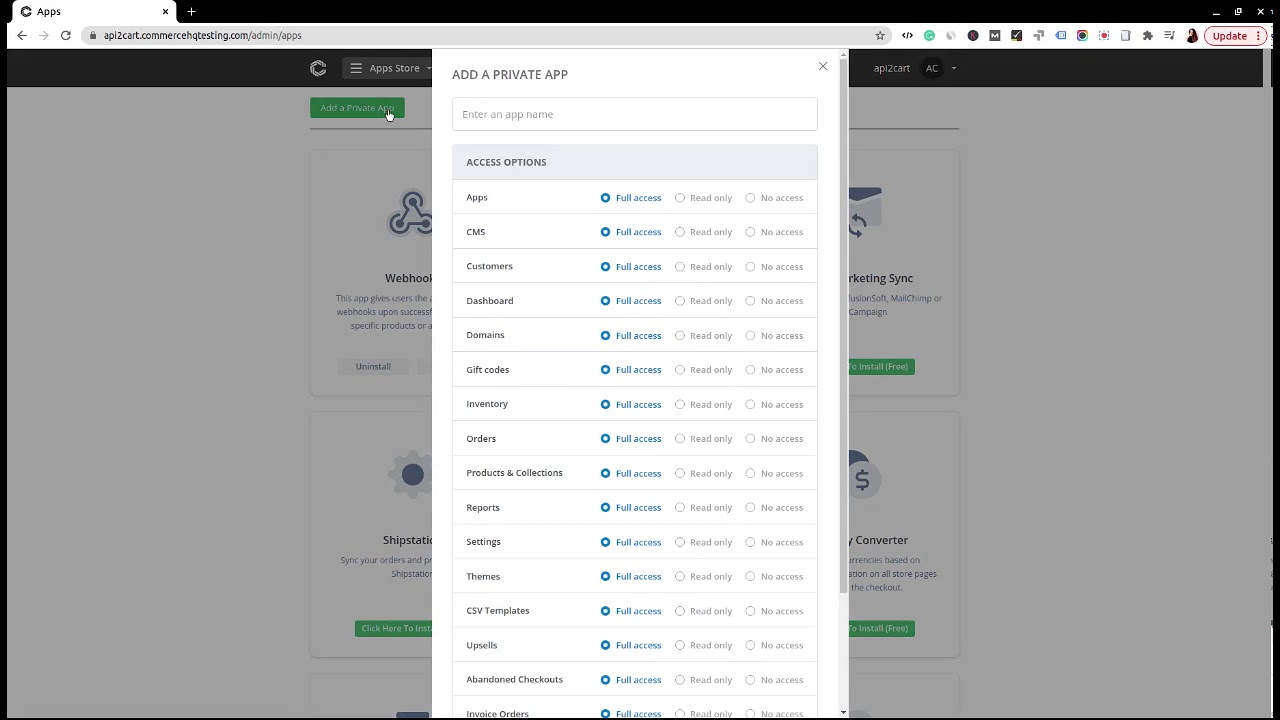
After the creation of Private App, you will see the required data for connecting CommerceHQ to API2Cart.
