
How to connect Lightspeed to API2Cart?
This guide will show you how to connect your Lightspeed store to API2Cart in just a few steps.
Firstly, you need to specify the following credentials:
- lightspeed_api_key
- lightspeed_api_secret
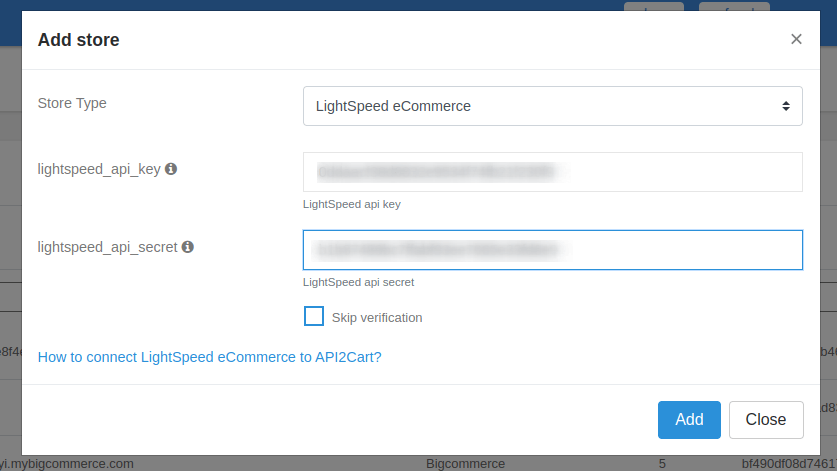
To obtain the required API credentials, you need to create an API key in your Lightspeed eCom back office:
- Log in to your Lightspeed Back Office.
- Go to Settings > Store Settings > Developers.
- Click New API key and enter a name for the integration.
- Save the key. Under Settings, select the switch to enable the API key.
- Select the necessary permissions you want to grant.
- After saving, copy the generated API Key and API Secret.
Use these values as lightspeed_api_key and lightspeed_api_secret when connecting your store to API2Cart.
More info you can find on LightSpeed docs.
